Lightning Fast
Upload a video, wait for processing, then copy its shareable URL.
Upload an MP4 or another video file and get a shareable link
Our video to link tool accepts MP4, MOV, AVI, WebM, or MKV files up to 100MB. Upload your file, then copy its shareable link after processing. Standard use requires no sign-in.
Supports MP4, MOV, AVI, WebM, MKV up to 100MB
Drop your video here, or click to browse
Maximum file size: 100MB
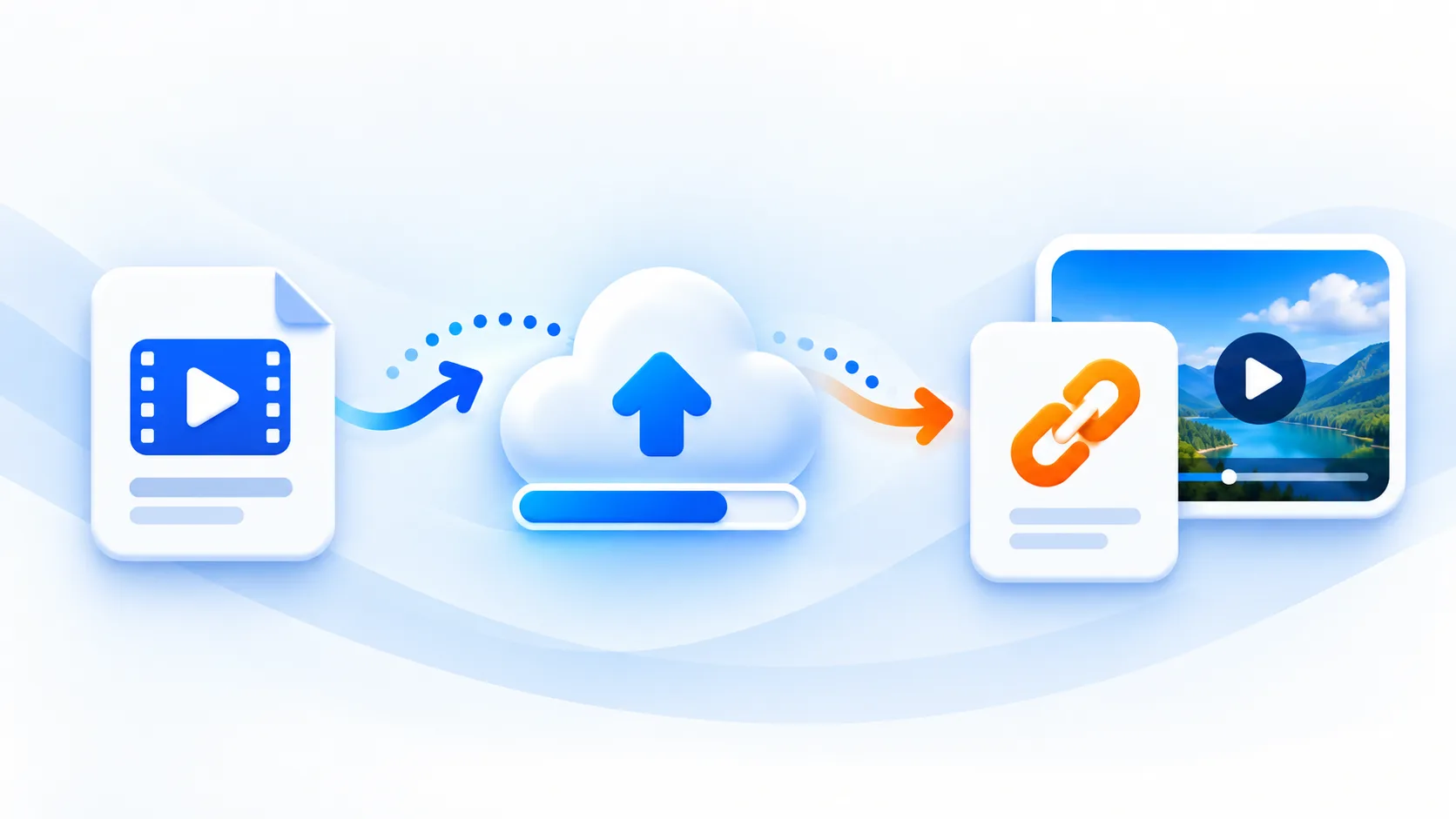
Upload a video, wait for processing, then copy its shareable URL.
Your videos are transferred over HTTPS and hosted with privacy-first controls.
Reuse a generated link while its video remains hosted.
Our video to link tool accepts MP4, MOV, AVI, WebM, or MKV files up to 100MB. Upload your file, then copy its shareable link after processing. Standard use requires no sign-in.
Shareable video links for messages, documents, and websites
Fast Processing
HTTPS transfer for uploads
Free standard uploads within current limits
Already have a public MP4 video link? Download MP4 from a link
Built for straightforward video uploads and shareable links.
Upload a video, wait for processing, then copy its shareable URL.
Your videos are transferred over HTTPS and hosted with privacy-first controls.
Reuse a generated link while its video remains hosted.
See why developers and creators choose videotolink for fast video link sharing
| Feature | videotolink | Cloud Drive | Temporary Hosts |
|---|---|---|---|
| Shareable video links | ✓ Direct URL | Check provider details | Check provider details |
| No Registration | Standard use without sign-in | Check provider details | Check provider details |
| CDN Delivery | Video delivery | Check provider details | Check provider details |
| File Size Limit | 100MB per free video | Check provider details | Check provider details |
| Privacy | HTTPS uploads | Check provider details | Check provider details |
| Direct Media URL | ✓ Video URL | Check provider details | Check provider details |
| Developer Friendly | See API docs | Check provider details | Check provider details |
| Best For | Video sharing and demos | Check provider details | Check provider details |
Quickly host demo videos for websites, QA handoffs, and product documentation without running your own media server.
Example Use Case
Embed short demo videos in documentation with shareable URLs for engineering workflows

Embed short clips in articles and newsletters with stable video URLs that stay reusable.
Example Use Case
Add video links to Markdown documents with shareable URLs
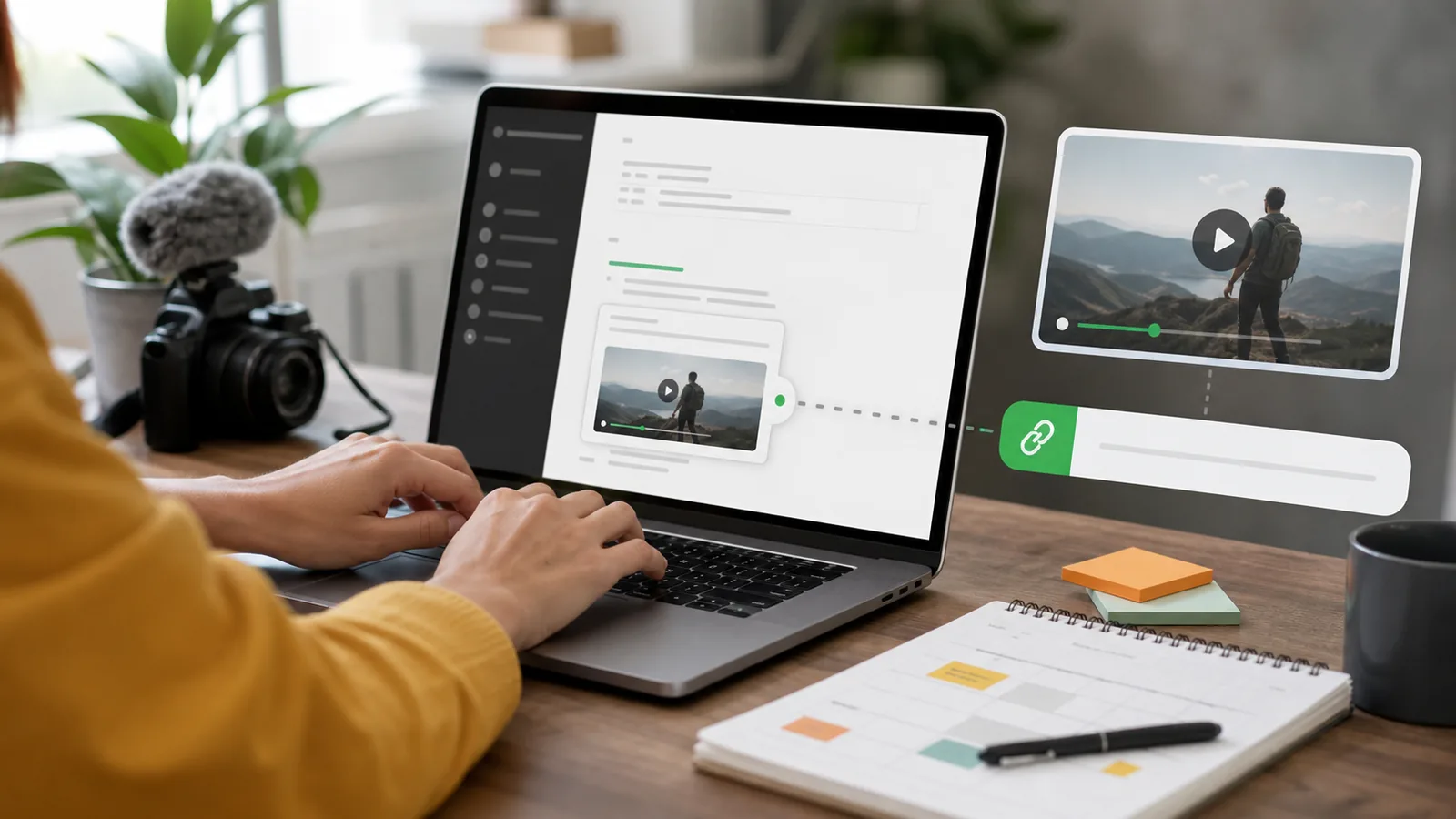
Share campaign videos across landing pages, ads, and social posts with one consistent URL.
Example Use Case
Share campaign videos through a reusable URL

Include lecture captures, project demos, and walkthrough videos in assignments and collaborative notes.
Example Use Case
Reference project demo videos in reports with stable links

Upload an MP4 or another supported video file, wait for processing, then copy the generated link to share it.
Upload your video, wait for processing to finish, then copy the generated URL. You can open, share, or embed that link immediately.
Supported formats include MP4, MOV, AVI, WebM, MKV, MPEG, OGG, 3GP, and FLV when the browser provides valid video metadata.
You can reuse the generated URL while the video remains hosted.
You can use it in documentation, issue trackers, chats, websites, social media posts, and team collaboration tools.
Standard video uploads are free within the current upload limits.
Uploads use HTTPS transfer and are hosted for stable delivery, giving you reliable sharing links for video content.
videotolink lets developers, creators, and teams upload videos and share generated URLs in messages, documents, and websites.